Powering On
Before powering on your Burro, ensure it is properly charged and in good condition.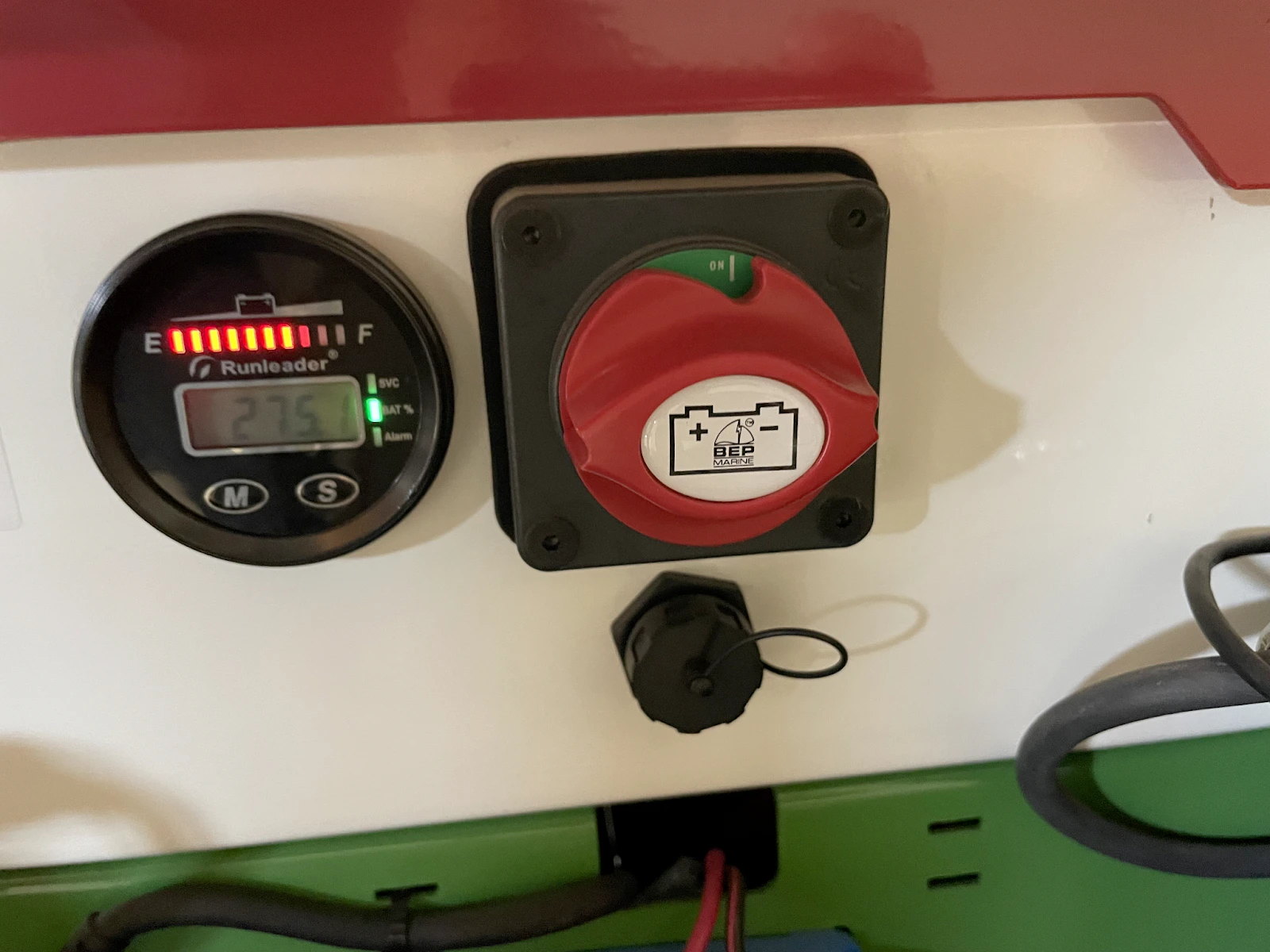
Wait for Boot Up
Wait for approximately 5–10 seconds for the Burro to boot up. The main
user interface (UI) should load automatically on the touch screen.
Turning Off
To safely power off your Burro, follow these steps:Exit the UI
Tap the gear icon in the top-right corner of the screen. Select General
from the menu, then tap Exit UI.
Shut down the system
On the Ubuntu desktop, click the tray icon in the top-right corner of the
screen. - Select Power Off/Log Out, then click Power Off.