Route Sharing
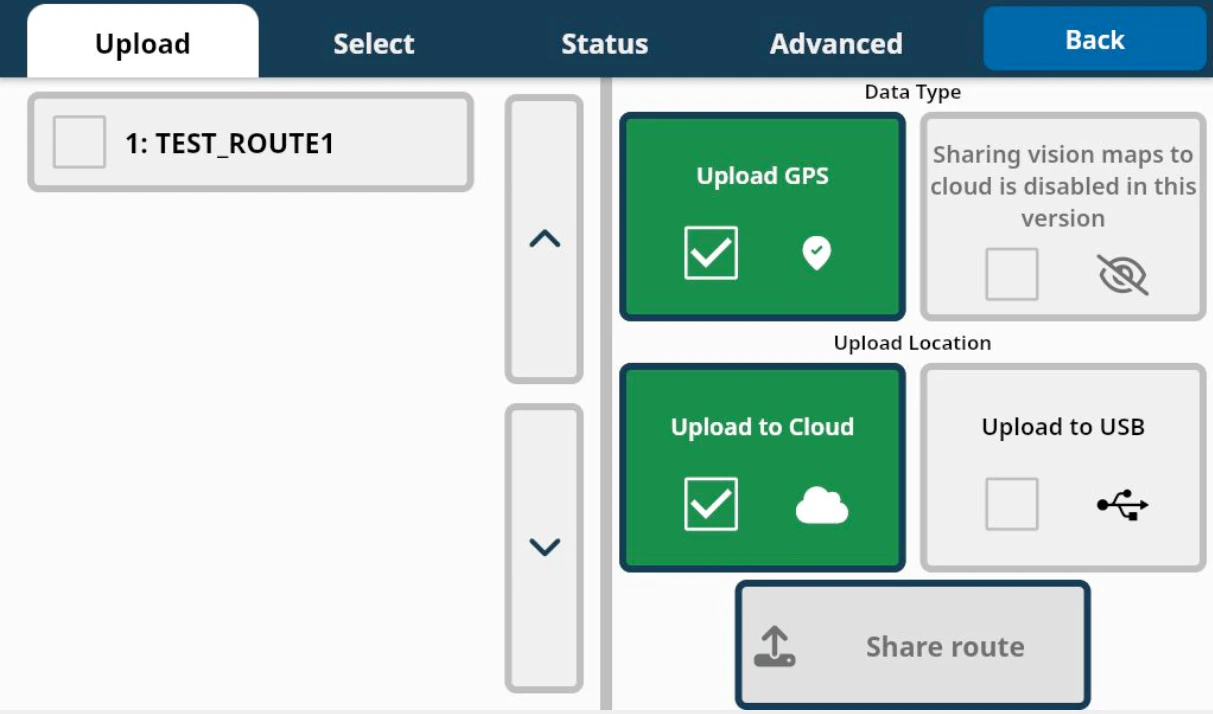
Upload Options
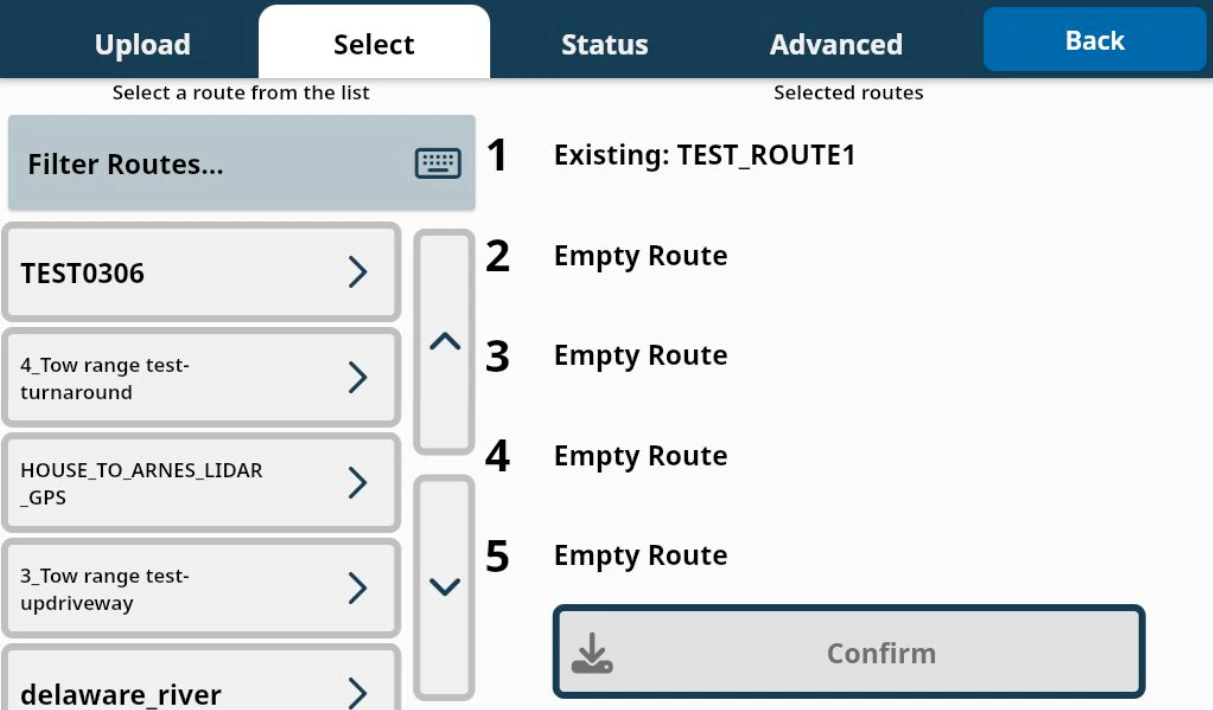
Upload to Cloud
- By default, any routes trained with LiDAR data will be uploaded to the cloud or to a USB device, ensuring that these routes work correctly when shared or re-downloaded.
- All selected routes will be saved to an online route bank, with a full route list and customizable options available through Atlas.
Upload to USB
Selected routes can be saved to a flash drive or SSD connected to Burro’s USB side port. This option is useful in areas with poor internet connectivity.Share Route
Press this button to save your selected routes to either the cloud or USB.Important Notes
Vision routes cannot be saved or shared, and any visual features captured using Teach & Repeat will not transfer to other units.Cleaning up routes
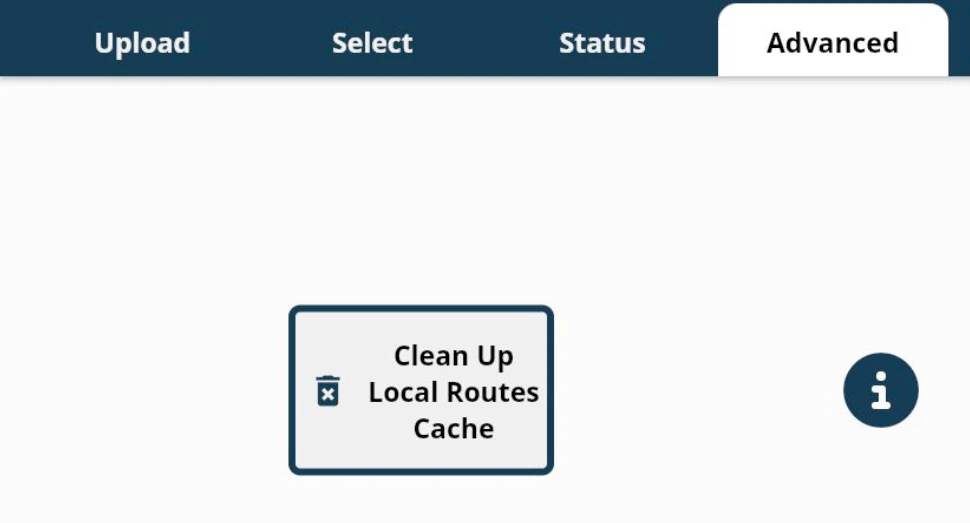
If you recently deleted routes from the cloud (Atlas) but they still appear when searching from Burro, use the “Clean Up Local Routes Cache” button in the “Advanced” tab of this menu.