Selecting a profile
To optimize Burro for your specific use case, follow these steps to select a profile:Select a Profile
Choose a profile that is appropriate for your use case from the available options.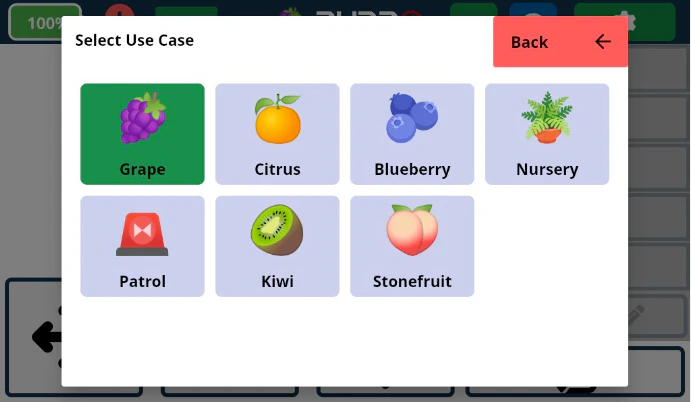
Apply Changes
Click on the “Apply Changes” button. 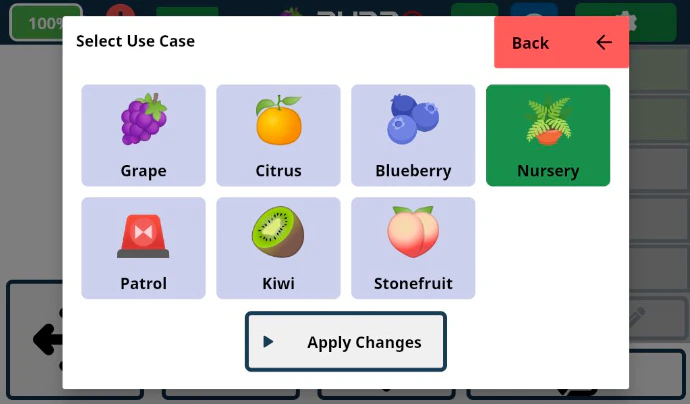
Wait for Completion
Wait for the process to complete before proceeding. This may take a few moments
as Burro updates its visual model parameters.Impact of Selected Profiles
Depending on the profile selected, this will affect how Burro’s autonomy performs in the following modes and functionalities:- Row Navigation (RowNav)
- Row to Row
- Obstacle Handling