Starting the Navigation
Positioning
Start with Burro at the row entrance, ensuring the
screen is facing the row.Model Verification
Double-check that Burro is loaded onto the
correct vision model. The functionality of RowNav is dependent on the model
associated with the selected use-case profile.Activate RowNav
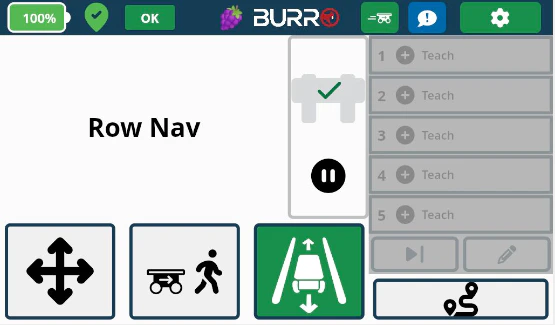
Press the RowNav button; the icon will turn
green.Initiate Movement
Navigation Behavior
Continuous Forward Movement
Burro will continue to move forward
until one of the following occurs:
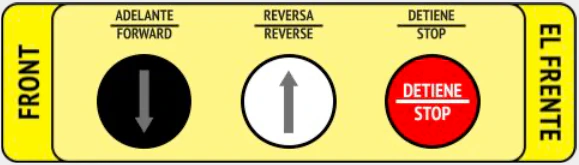
- A person presses the Red (STOP) button or bumper bar.
- Burro reaches the “Row Distance” set in the Settings menu. If Burro travels the full distance, it will automatically reverse direction and return to its start point.
- Burro reaches the end of the row. Burro should detect the row end and automatically reverse direction to return to its start point.
Manual Control